
Address Autocomplete
Easily integrate Google Address Autocomplete into anything on your WordPress website. One-click integrations for WooCommerce, Gravity Forms, LifterLMS, and many more are in the works!
- Easy to use
- Regularly updated
- Thoroughly supported

Make life easier for users with address autocomplete
See all the features and integrations of our address autocomplete WordPress plugin

Works on ANY form on your WordPress website
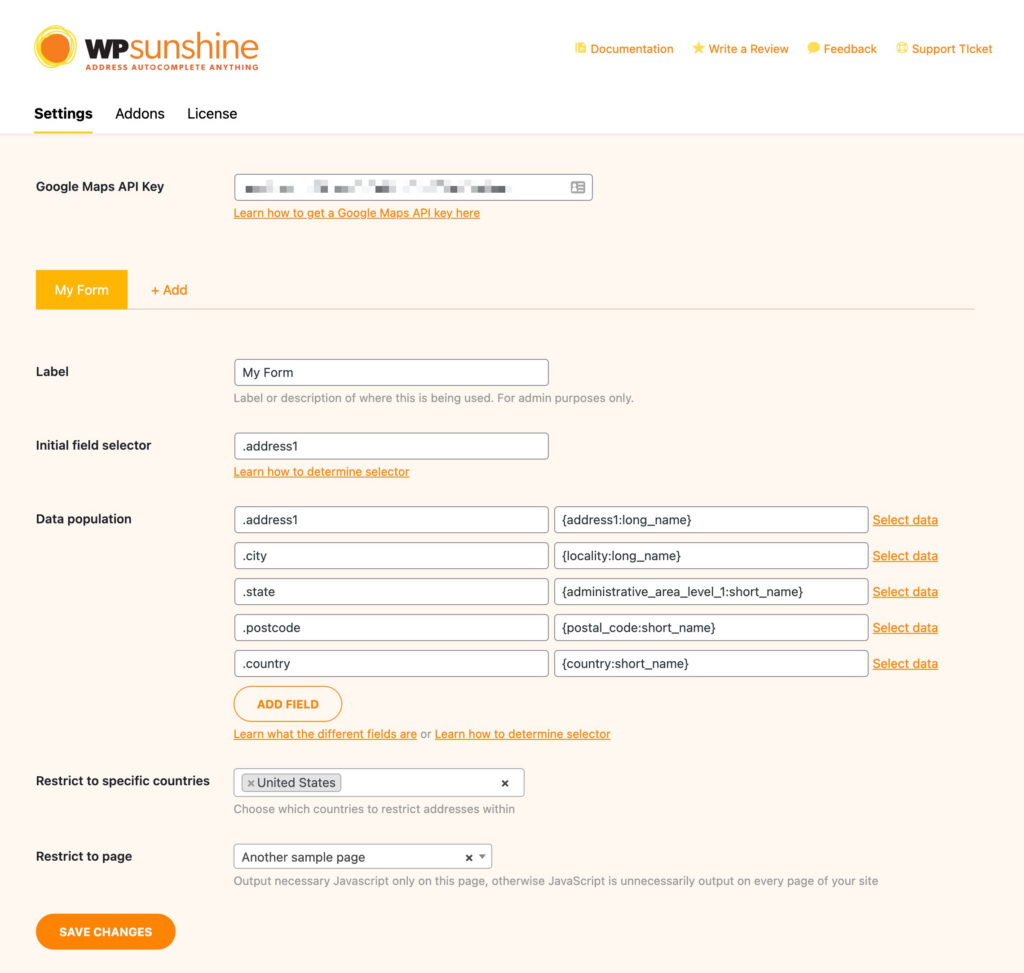
You can integrate address autocomplete into any form on your WordPress website – there are no limitations or restrictions! Simply provide the CSS selectors for the form fields you want to work with and off you go. You can even restrict which pages load the necessary JavaScript files to ensure the smallest footprint possible on your website.

Easy integration with popular WordPress plugins
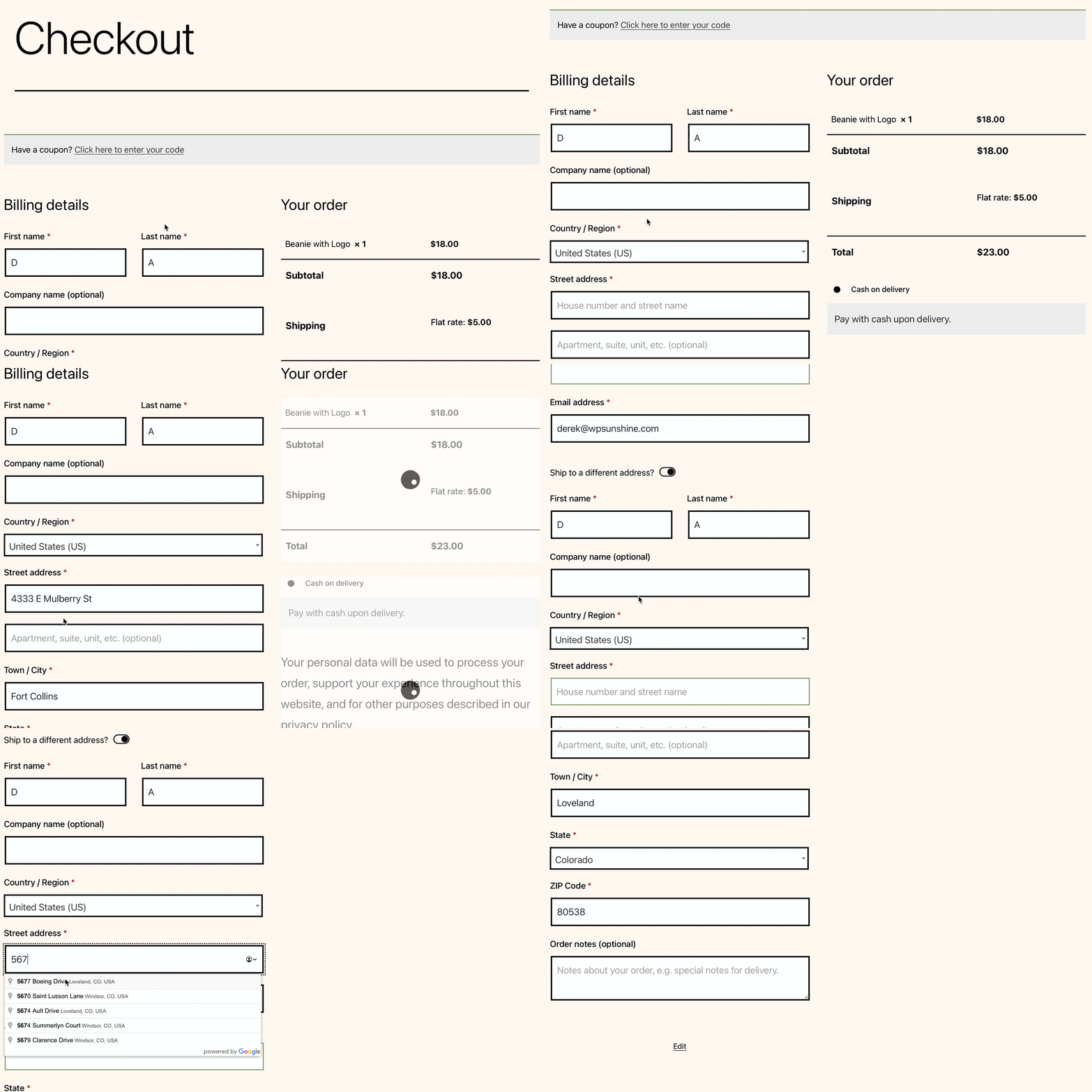
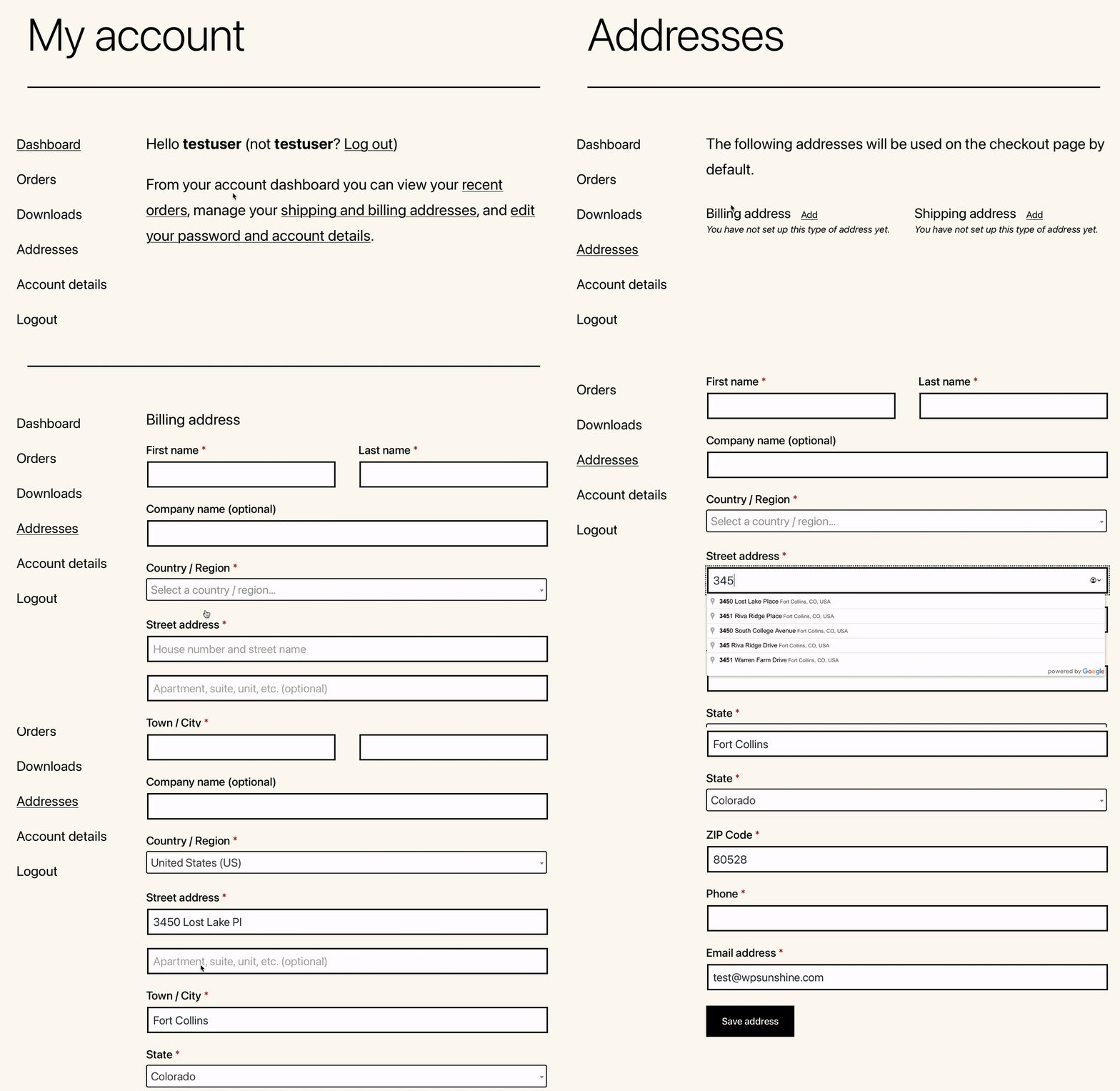
One-click integrations are available without any extra setup steps needed for:
- WooCommerce
- Gravity forms address field
- LifterLMS checkout
- Paid Memberships Pro
Many more integrations with other popular WordPress plugins are in the works!

Unlimited instances, so many data fields!
You can configure an unlimited number of instances of address autocomplete on your WordPress site – great for custom development projects that have unique needs beyond the basics (it’s why I created this plugin in the first place!).
You also have access to all of Google’s address data:
Basic Fields
- Country
- Address Line 1
- Address Line 2
- Locality (City)
- Administrative Area Level 1 (State)
- Postal Code
Advanced Fields
- Latitude
- Longitude
- Administrative Area Level 2-5
- Sublocality Level 1-5
- Neighborhood
- Street Number
- Route (Street Name)
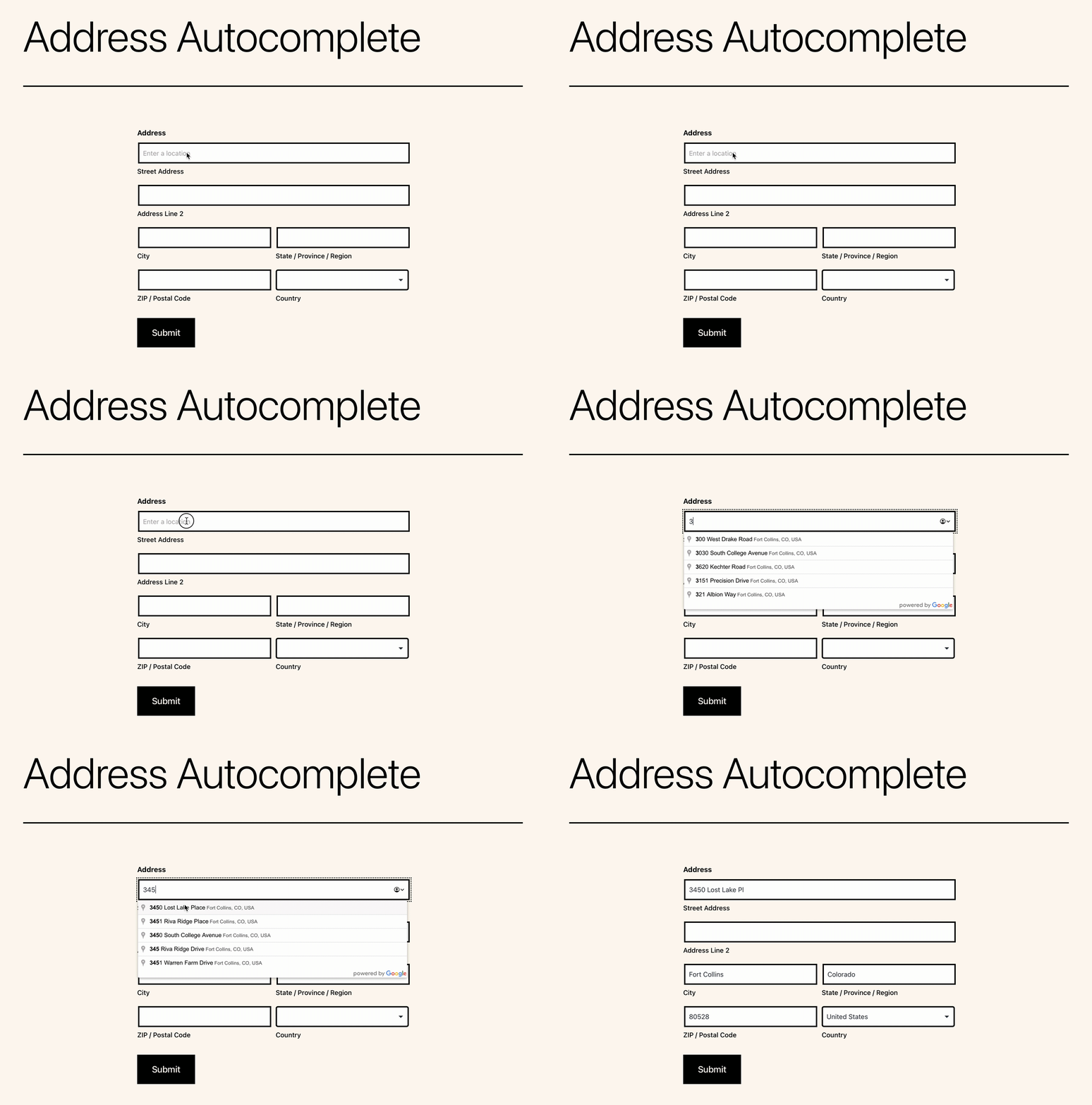
Live demo using Gravity Forms
Choose Your License

100% MONEY BACK GUARANTEE If for any reason you are not happy with this plugin, simply let me know within 30 days of your purchase and I will refund 100% of your money. No questions asked.

WordPress Plugins You Can Trust
-

Great Ratings
Our WordPress plugins have regularly receive 5-star reviews from users.
-

Fantastic Support
Fast response times and work with you until any issue is fully resolved.
-

Quick & Easy-to-Use
WordPress plugins developed to load fast and be very easy to setup and use.
-

30-Day Money Back Guarantee
Every plugin gives you a worry free purchase with our money back guarantee, no questions asked.
"The support is great - I'm no techy but queries are answered quickly & clearly."
Alicia Dunlop Sunshine Photo Cart user
"Confetti is a great plugin. It's super easy to use, and works perfectly! Derek (the developer) is awesome too."
Elliot Sowersby Confetti user
"It makes the world better. At least in the internet - Thank you!"
Lena Levandel Confetti user
"Super easy to use and great documentation"
Pedro Nave Address Autocomplete user