You can limit an instance’s suggestions to the countries you choose, so only addresses from those countries show up.
- Go to Settings > Address Autocomplete and open the Instances tab.
- Under Where it runs, choose one or more countries in Countries.
- Click Save Changes.
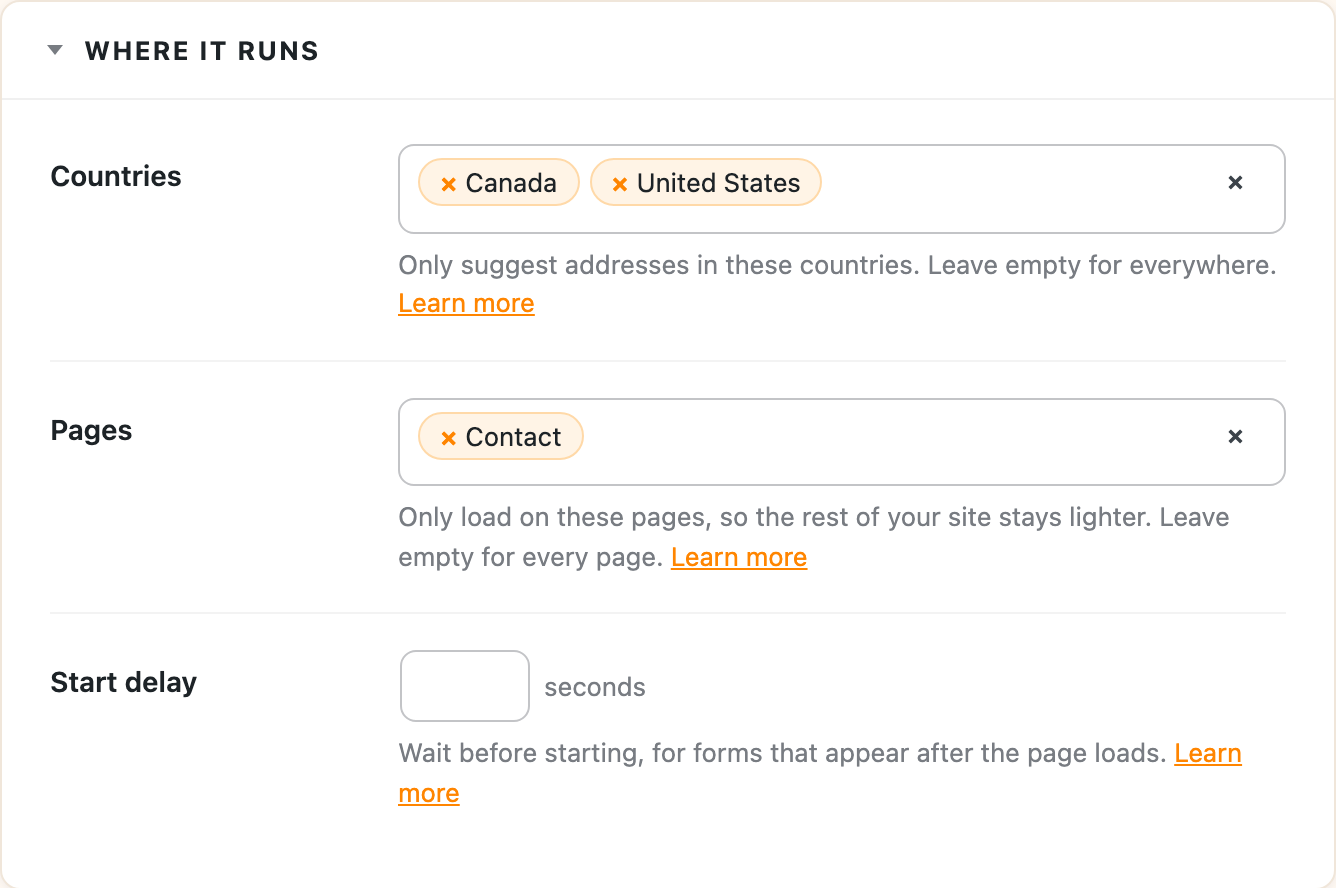
Leave Countries empty to allow addresses from everywhere.
Google allows up to 15 countries with Places API (New). If your site uses the older legacy Places API, the limit is 5.
One-click integrations
Some integrations set this up for you, using the countries you already sell to:
- WooCommerce limits suggestions to your store’s selling countries when there are 5 or fewer.
- Paid Memberships Pro limits suggestions to your checkout’s countries when there are 5 or fewer.
The country on your form
If your form has a country dropdown, suggestions also follow whichever country the customer picks. Dynamic country filtering explains how that works alongside the countries you set here.