When one person types facebook, another fb and another Facebook, Google Analytics splits those visits three ways. Team lists fix that: list the sources and mediums your team uses, and the builder offers those as you type.
Set up your lists
- Go to Tools > UTM Builder > Settings and find the Team lists section.
- In Sources, put one source per line, like
facebook,newsletterandgoogle. - In Mediums, put one medium per line, like
social,emailandcpc. - Click Save Changes.
Leave a box empty to allow anything for that tag.
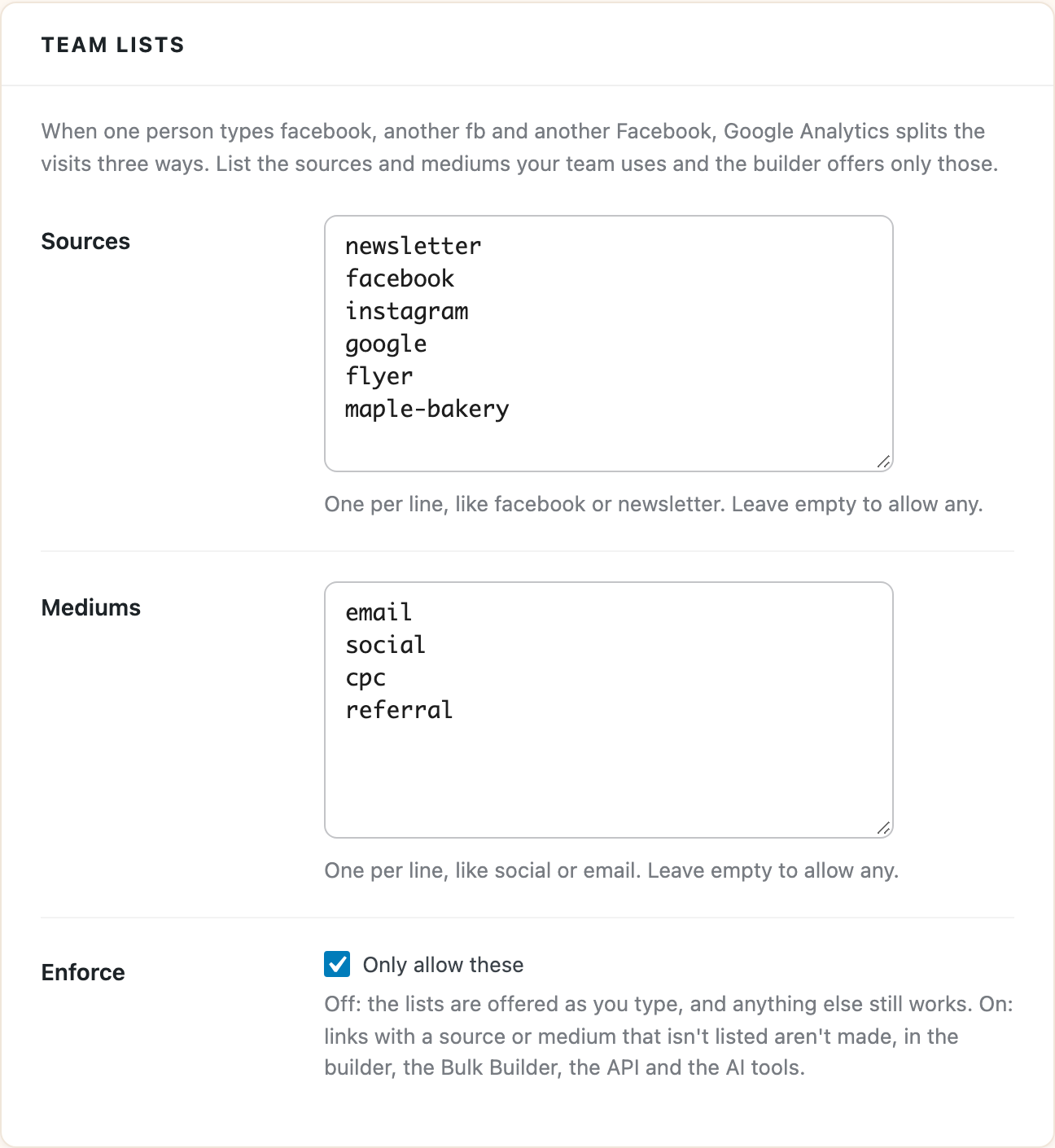
From then on, the Source and Medium fields in the Link Builder suggest your team’s values instead of the plugin’s built-in ones.
Only allow what’s on the list
Turn on Only allow these under Enforce and a link with a source or medium that isn’t listed won’t be made. The builder shows a message like this instead of a link:
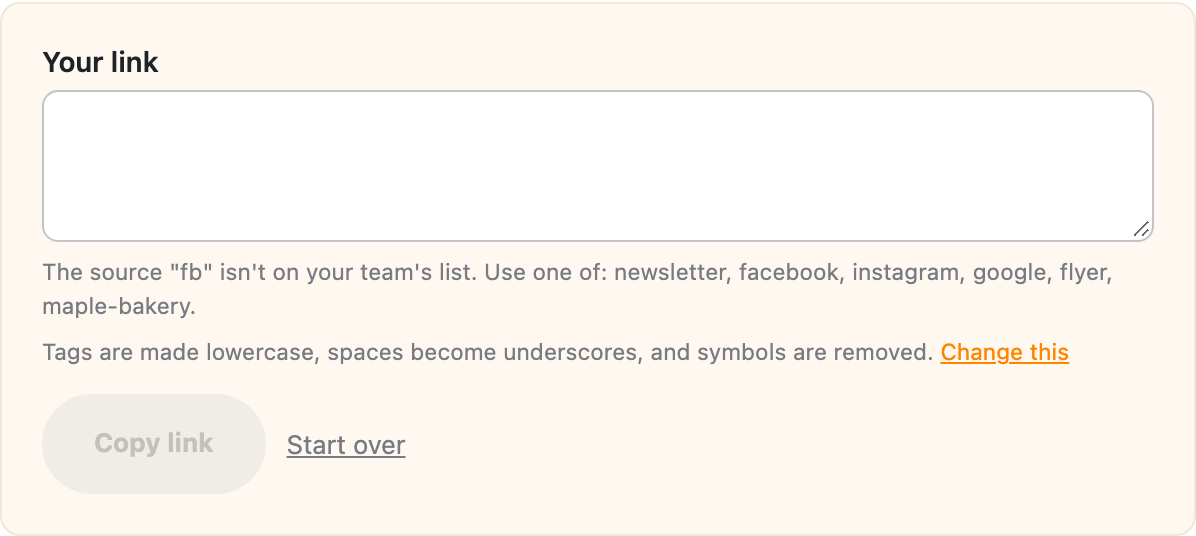
In the Bulk Builder, links outside the list are left out of the batch and listed in the preview with the reason, so one typo in a CSV doesn’t stop the whole batch.
This applies everywhere links are made: the Link Builder, the Bulk Builder, the REST API and the AI tools, so an AI assistant can’t invent a new spelling either.
A few things that help when you turn it on:
- Tags are checked after the formatting rules run, so if your rules make tags lowercase, write your lists in lowercase too.
- A link with no medium is still allowed, since the medium is optional. Only a medium that’s filled in has to be on the list.
- Social network batches in the Bulk Builder use the network as the source (like
facebookorlinkedin) andsocialas the medium, so add those if you use that option.
With Only allow these off, the lists are suggestions and anything else still works.