Google Analytics treats “Email”, “email” and “e-mail” as three different mediums, so one stray capital letter or space can split a campaign into separate rows in your reports. The formatting rules clean up your tags as you type them, so the same thing is always spelled the same way.
They’re under Tools > UTM Builder > Settings, in the Tag formatting section.
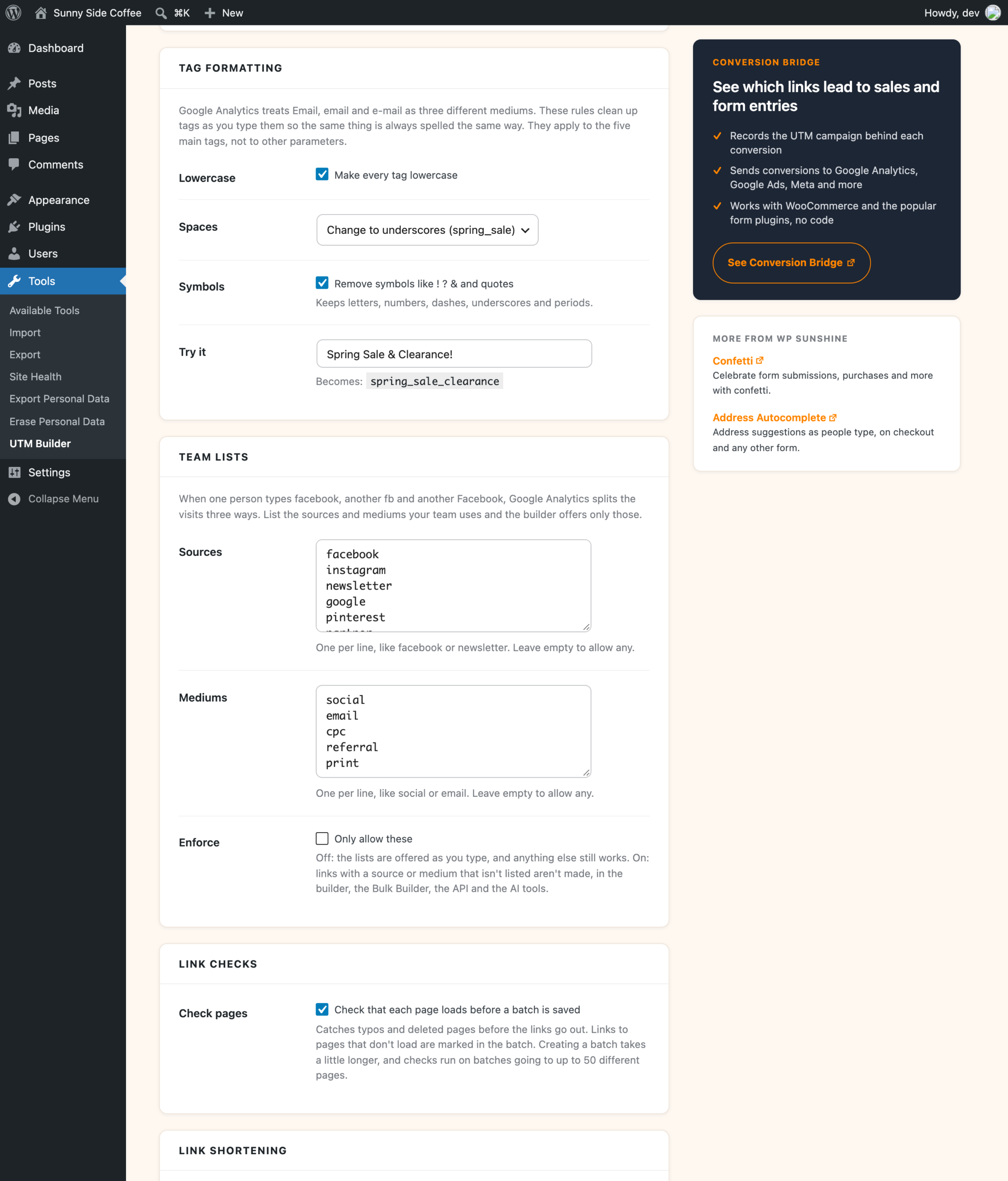
The rules
- Lowercase makes every tag lowercase, so
Facebookbecomesfacebook. - Spaces changes spaces to underscores (
spring_sale), changes them to dashes (spring-sale), or leaves them alone. A space left in a link is written as%20, sospring saleshows up asspring%20sale. - Symbols removes characters like
!,?,&and quotes. Letters, numbers, dashes, underscores and periods are kept.
Lowercase, underscores and removing symbols are all on when you first install the plugin.
Try a tag before you save
The Try it box shows what a tag will look like with your rules. It starts with Spring Sale & Clearance!, which becomes spring_sale_clearance with the rules that come turned on. Change the rules or type your own tag, and the result updates right away. Click Save Changes when you’re happy with it.
What the rules apply to
The rules apply to the five UTM tags (source, medium, campaign, term and content) everywhere links are made: the Link Builder, the Bulk Builder, the REST API and the AI tools. Tags that come from a preset are cleaned up the same way when the link is made.
They don’t touch anything you add under More parameters or as an extra CSV column, like ref=partner. Those are added exactly as typed, because things like coupon codes and affiliate IDs can care about capital letters.
Changing the rules later
The rules only change new links. Links you’ve already made and shared keep the tags they were built with, so if you switch from underscores to dashes, your reports will show spring_sale and spring-sale as two campaigns. It’s worth picking a style before you share a lot of links.
To keep sources and mediums to a fixed list as well, see team lists.