Address Autocomplete Premium works with the Gravity Forms Address field. You turn it on for each Address field in the form editor, so there’s nothing to switch on in the Address Autocomplete settings.
- Open your form in the Gravity Forms editor.
- Add an Address field, or click the one already on your form.
- In the field settings, open the Advanced tab.
- Tick Enable WPSunshine Address Autocomplete.
- Save the form.
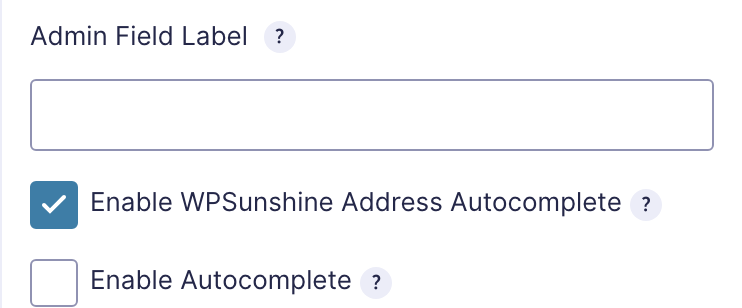
When someone picks an address, the plugin fills in the street address, address line 2, city, state, zip code and country. The state and country are filled with their full names, like “California” and “United States”, to match the Gravity Forms dropdowns.
It works wherever the form appears, including forms inside popups and page builders. If a form has more than one Address field, you can turn it on for each one.