Address Autocomplete has two delays, one for when it starts and one for each field it fills in, though most forms don’t need either of them.
Start delay
Address Autocomplete starts as soon as the page has finished loading. If your form shows up a little later, like one that loads in after the page or appears in a popup, the address field isn’t there yet when the plugin looks for it.
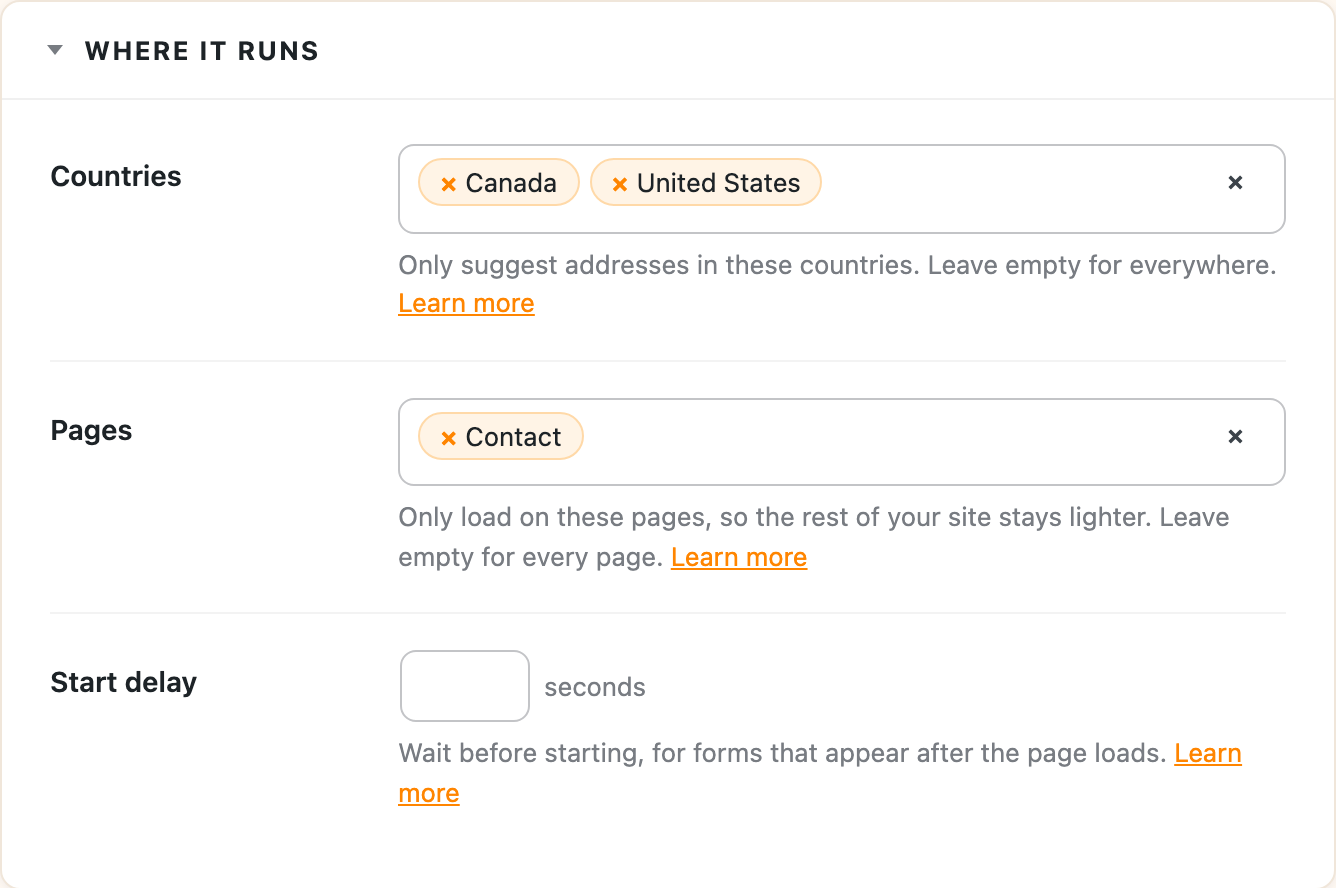
Start delay tells the plugin to wait a few seconds before it looks. Find it on the Instances tab under Where it runs, enter the number of seconds, and save.
If your form only appears after someone clicks something, a fixed delay may not be enough. Triggering it on hidden elements covers that case.
Field delay
Each field under Fill in these fields has its own Delay, in milliseconds. It’s for fields your form changes after another field is filled. For example, many checkouts rebuild the state list when the country changes, so the state needs to be filled in a moment later, once the new list is there. A delay of 500 to 1500 milliseconds is usually enough.
The one-click integrations already set this where their forms need it.