You can show a heading at the top of the list of suggested addresses, which helps visitors understand what the list is. The heading also has a close button, so they can hide the list and keep typing their address themselves.
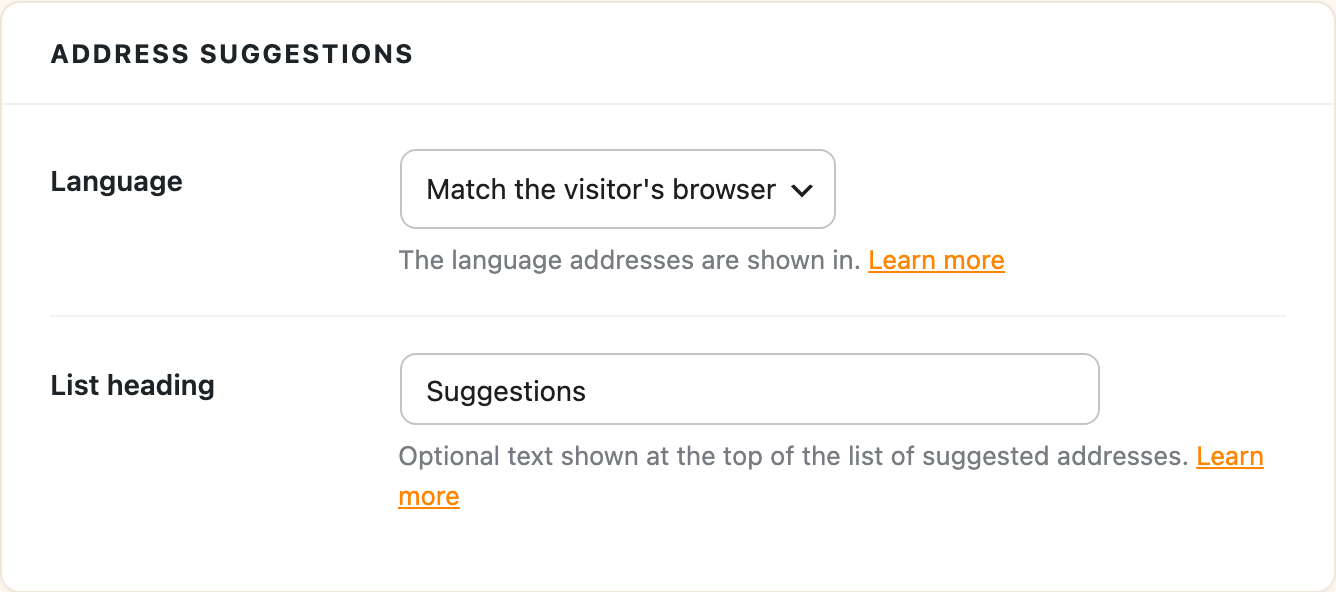
- Go to Settings > Address Autocomplete and open the Settings tab.
- Under Address suggestions, type your heading into List heading, like “Suggestions”.
- Click Save Changes.
Here’s how it looks on a form:
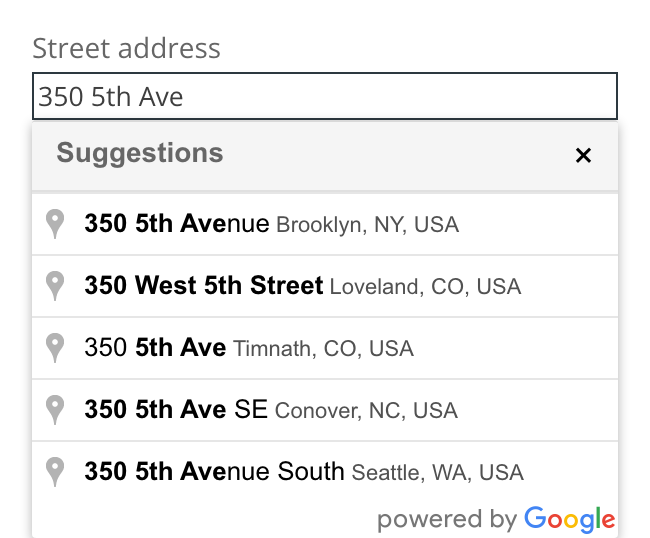
Leave List heading empty to show the list without a heading. To change how the heading looks, target .wps-aa-results-title in your own CSS.