You can choose the language Google uses for the suggested addresses.
- Go to Settings > Address Autocomplete and open the Settings tab.
- Under Address suggestions, choose a language in Language.
- Click Save Changes.
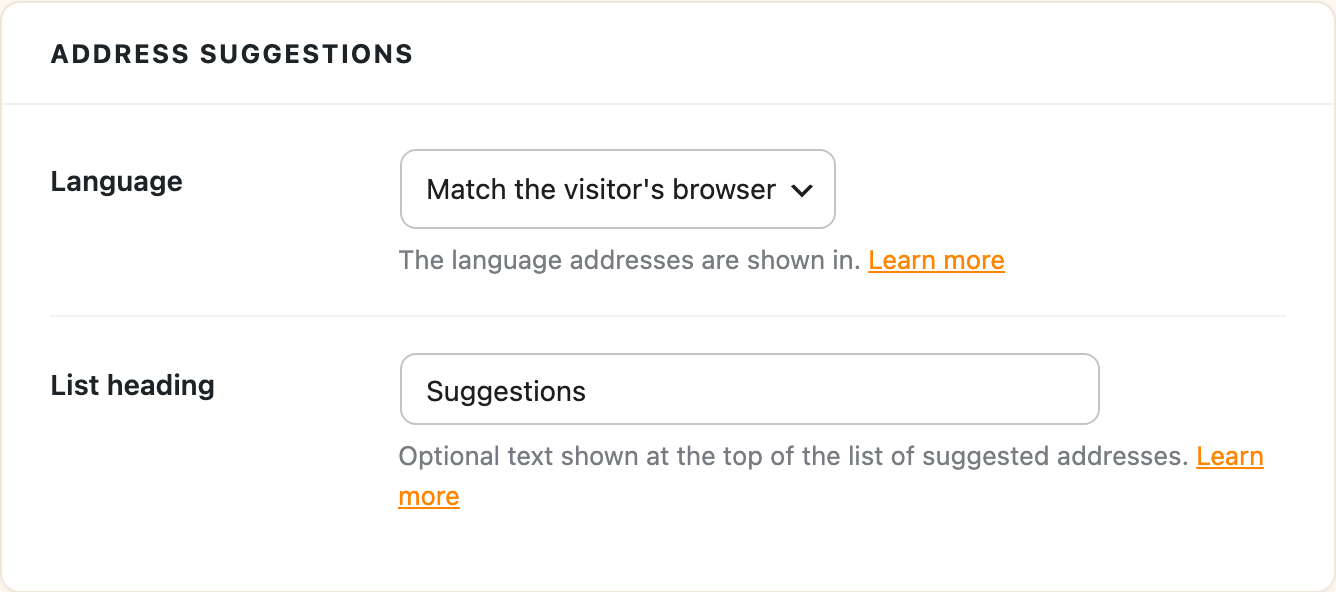
The default, Match the visitor’s browser, shows each visitor the language their browser is set to. There are over 50 languages to choose from, including Arabic, Chinese (Simplified and Traditional), Dutch, English, French, German, Italian, Japanese, Korean, Portuguese, Russian and Spanish.
This only changes the language of the suggestions and the address parts filled into your form. It doesn’t change the language of the plugin’s settings screens.