Confetti can celebrate five different moments in LearnDash, and each one gets its own effect. That lets you use something small for finishing a topic and save the big effect for completing the whole course.
Turn on the integration
- Go to Settings → Confetti and open the Integrations tab.
- Find LearnDash in the list and click its toggle.
- Click the gear icon next to LearnDash to open its settings.
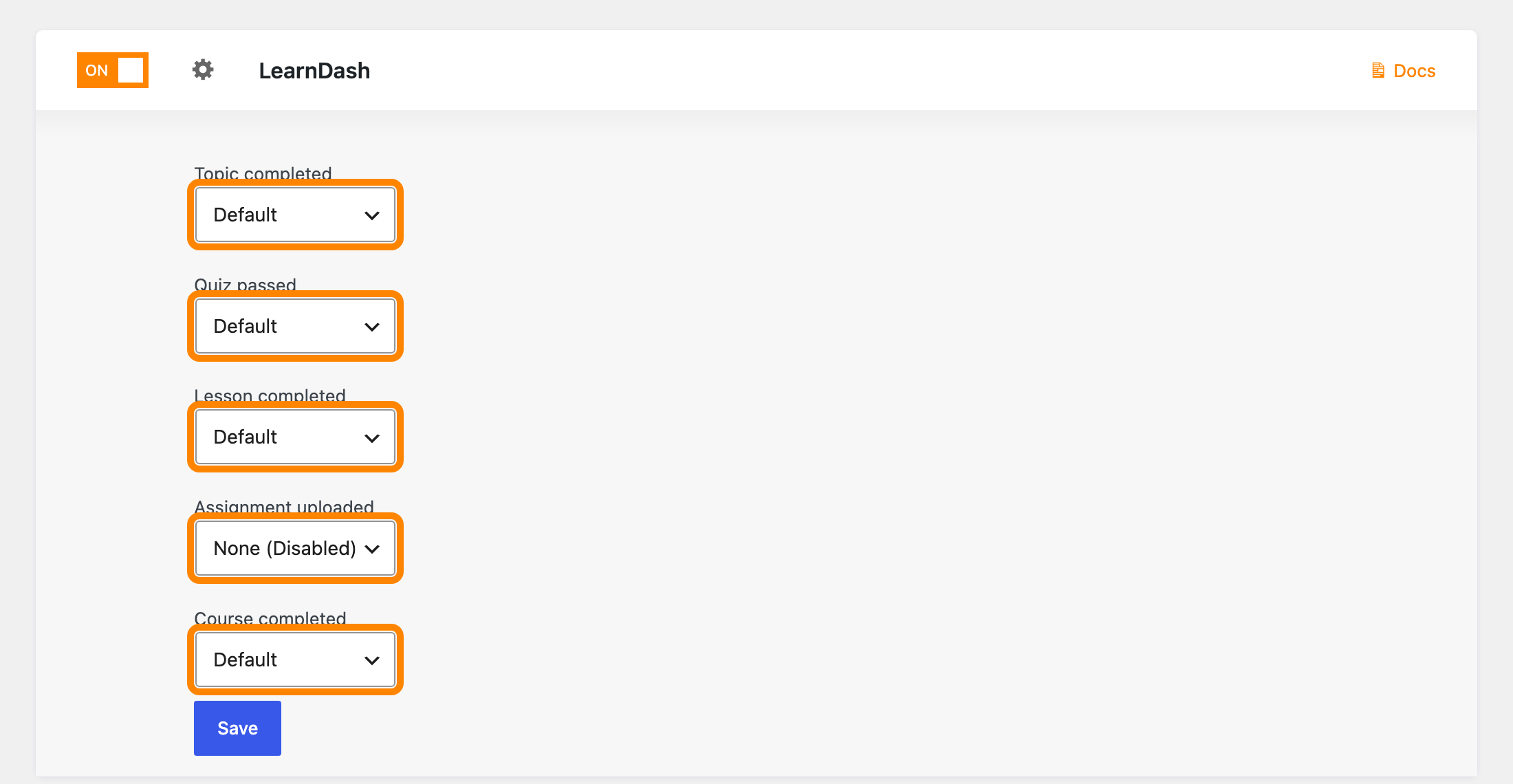
You’ll see a dropdown for each moment. They all start on None (Disabled), so pick an effect for the ones you want and leave the rest alone.
| Setting | When it runs |
|---|---|
| Topic completed | A student marks a topic complete |
| Quiz passed | A student passes a quiz |
| Lesson completed | A student marks a lesson complete |
| Assignment uploaded | A student uploads an assignment |
| Course completed | A student finishes the whole course |
Click Save when you’re done.
Setting every one of these to the same big effect gets tiring for a student working through a long course, so it’s worth using a smaller effect for the frequent moments.
When it fires
Each effect runs at the moment LearnDash marks that step complete. A student revisiting a lesson they already finished won’t set it off again.
Choosing None (Disabled) on a dropdown turns that one moment off without touching the others.