The Confetti block and the shortcode both put confetti on a page. Either one runs when the page loads unless you tell it otherwise.
Using the Confetti block
- Edit the page or post you want.
- Add the Confetti block.
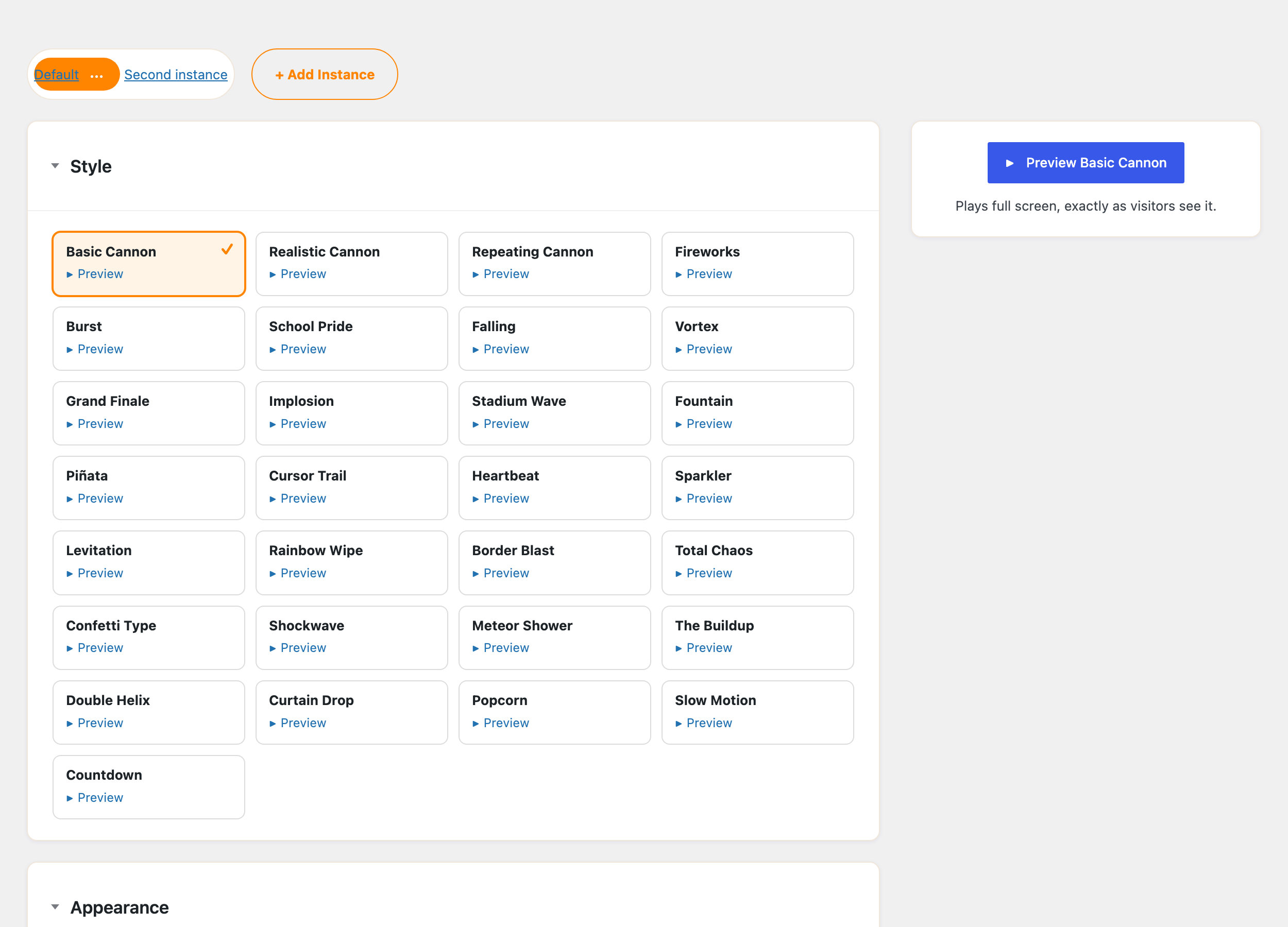
- Pick the effect you want from Instance.
- Choose a Trigger Method. On page load fires as soon as the page opens, and When scrolled into view waits until the visitor reaches the block.
Using the shortcode
Add a Shortcode block and enter:
[confetti]
That runs your Default effect on page load. Three attributes change what it does:
| Attribute | Default | What it does |
|---|---|---|
instance |
default |
Which saved effect to run, by its ID |
onload |
true |
Set to false to load the scripts without running the confetti |
inview |
false |
Set to true to fire when the visitor scrolls to that spot |
So a saved effect that fires partway down a long page looks like this:
[confetti instance="my-effect" inview="true"]
The Usage tab under Settings → Confetti has a copy button for the shortcode, which saves typing the instance ID by hand.
Firing it on a click instead
To fire confetti when someone clicks a button or link rather than on page load, give the element a CSS class. How to trigger the confetti effect on click covers it.