Address Autocomplete Premium can fill the latitude and longitude of the picked address into your form, which is useful for store locators, maps and working out distances. Most forms keep them in hidden fields, so the visitor doesn’t see them.
- Go to Settings > Address Autocomplete, open the Instances tab and scroll to Fill in these fields.
- Click + Add field and enter the CSS selector of the field for the latitude, like
#my-latitude. - In the new row, click + Address data and choose Latitude.
- Add another field the same way for the longitude, choosing Longitude.
- Click Save Changes.
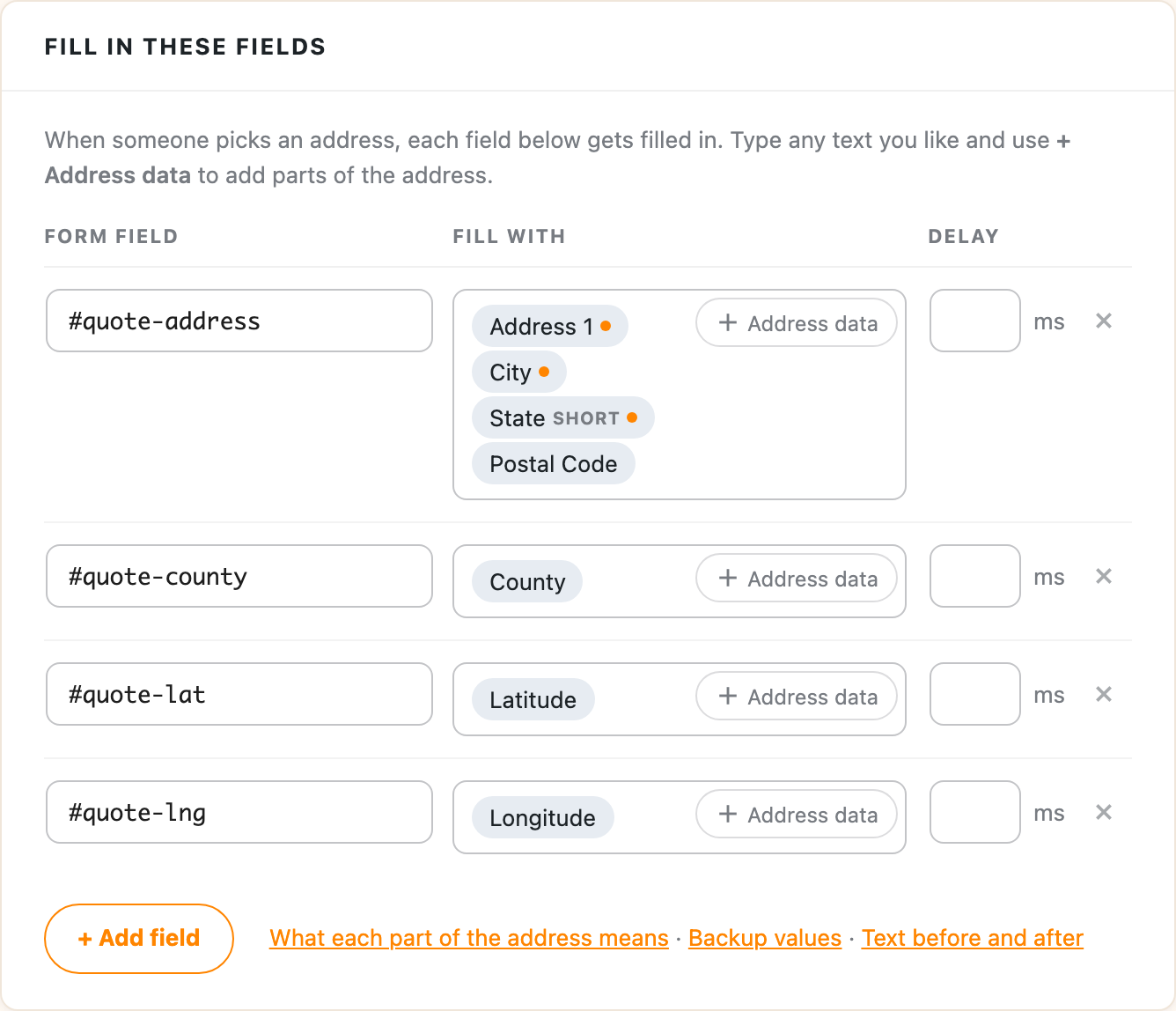
If your form has hidden fields like these, the selectors are #my-latitude and #my-longitude:
<input type="hidden" id="my-latitude" name="latitude" />
<input type="hidden" id="my-longitude" name="longitude" />
When someone picks an address, the coordinates are filled in and sent along with the rest of the form. Finding your CSS selectors shows how to find a field’s selector. The field picker only tags the visible address fields, so hidden coordinate fields are added by selector.