When UTM Builder can’t make a link, it says why in a message under the link or above the Bulk Builder’s preview. Find the message below for what it means and how to fix it.
In the Link Builder
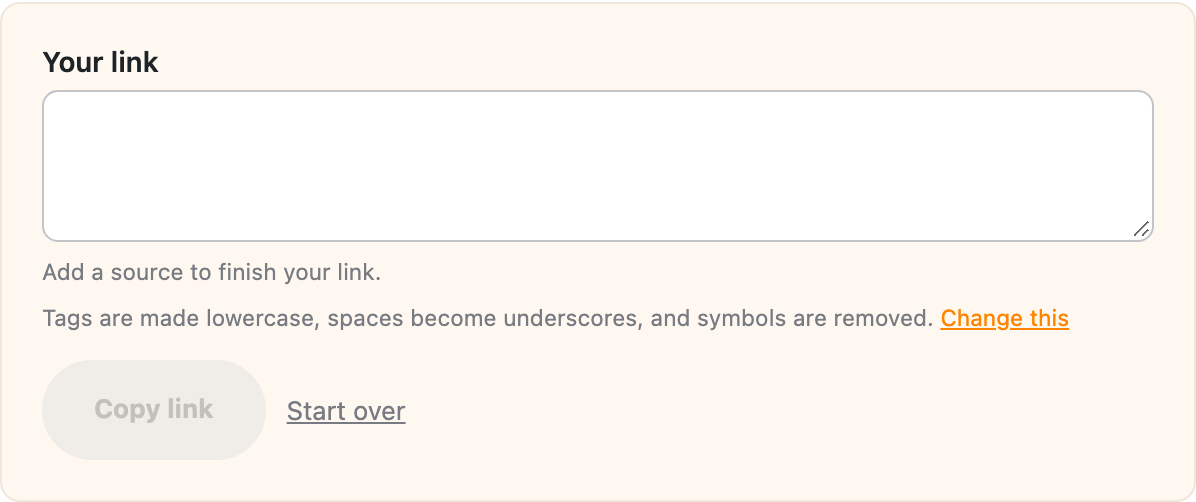
“Add a source to finish your link.” Every link needs a source, because Google Analytics needs one to report a link’s campaign. Type one in Source, like newsletter or facebook.
“That doesn’t look like a web address. It should start with https://” The Website URL needs to be a full address, with https:// and the domain, like https://yoursite.com/sale/. A path on its own like /sale/ won’t work.
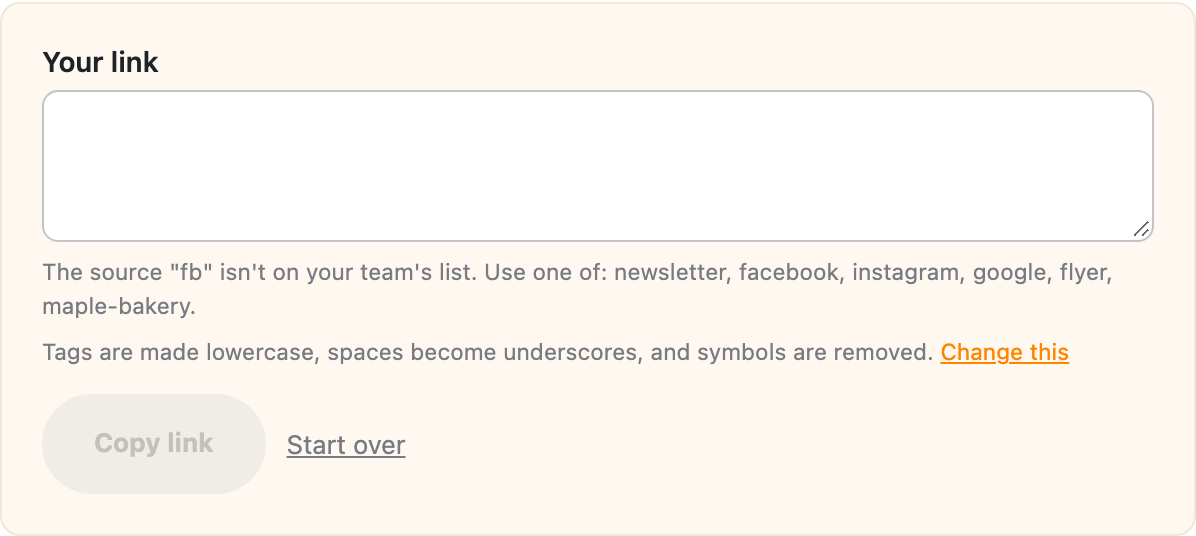
“The source “fb” isn’t on your team’s list. Use one of: …” (or the same for a medium) Team lists are set to Only allow these. Use one of the values in the message, or ask whoever manages Settings to add yours. Tags are checked after the formatting rules run, so the list needs to match the cleaned-up spelling.
“The link could not be shortened.” The link was made, but the short link wasn’t. If you picked Bitly or Rebrandly, check the token or key under Settings > Link shortening and your plan’s limits with them. For your own domain, make sure permalinks aren’t set to Plain under Settings > Permalinks.
In the Bulk Builder
“At least one link would have no source.” A link in the batch ended up with an empty source. That happens when the source is blank, when a CSV row leaves it blank with nothing under Tags to fill in, or when a token like {slug} comes out empty (a link to a home page has no slug). Fill in a source under Tags to cover those rows.
“The first row of your CSV needs a column named url.” Add a url column to the first row of your file. See the CSV format.
“Line 3 skipped, “…” isn’t a web address.” That line in your list or CSV isn’t a full web address (or has no link at all), so it was left out. Fix the line and the preview updates. The rest of the batch is still made.
“Link to … skipped.” That link’s source or medium isn’t on your team’s list, so it was left out with the reason. The rest of the batch is still made.
“Bitly works on batches of up to 50 links.” (or Rebrandly) Those services make one request per link, so they’re limited to 50 per batch. Pick your own domain under Short links instead, which works on any batch, or split the batch into smaller ones.
“That would make 2,400 links. A batch can have up to 2,000.” A batch has a limit of 2,000 links. Every combination multiplies fast (three sources, four campaigns and five contents is already 60 links for each page), so trim a list or split the batch.
“Some links could not be shortened.” The batch was saved, but some links didn’t get a short link. Check your link shortening settings, then make those links again.
“Links weren’t checked, since the batch goes to more than 50 different pages.” The batch was saved without link checks. Split it into smaller batches if you need them checked.
Short link endings
When you change a short link’s ending on its Details page:
- “Use at least 3 letters or numbers for the ending.” Make it a little longer.
- “WordPress uses that address for itself.” Words like
wp-admin,feed,page,categoryandtagare taken by WordPress. Pick another ending. - “Another short link already uses that ending.” Search the Short Links tab for it, or pick a different one.
- “A page on your site already uses that address.” A page always wins over a short link, so the short link would never be reached. Pick another ending.
Anything else
“This page is out of date. Reload it and try again.” The page was open long enough for its security check to expire. Reload it and try again.
If something here doesn’t match what you see, send me a note with the message and what you were doing.